The essentials
Refrigeration, a few lights and the connections you rely on.

SUNCREST / HOME ENERGY
Start with the things you want to keep running. Then explore whether a battery system fits those priorities.
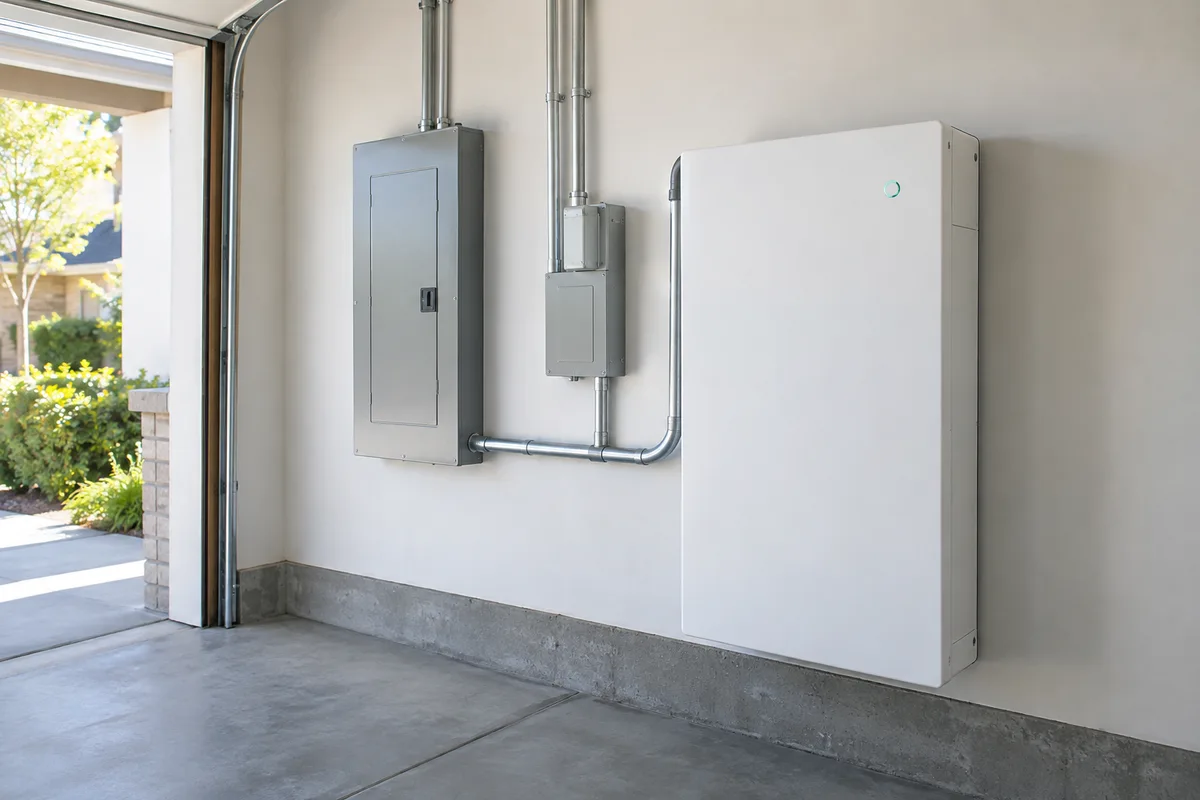
ENERGY, HELD IN RESERVE
A battery adds another part to your home’s energy system. Start with the circuits you want to support, then discuss capacity, placement and how the equipment will operate.
BUILD AROUND YOUR EVERYDAY
Refrigeration, a few lights and the connections you rely on.
Internet and selected outlets for staying connected at home.
Heating, cooling and other large loads need a specific sizing conversation.
These are planning categories, not a promise of supported loads or backup duration.
Ordinary grid-connected solar does not automatically keep the house powered during an outage. Backup requires equipment and a design intended for that purpose.
Make a list: refrigeration, lights, internet or other essential equipment. Whole-home backup is a different scope from backing up selected circuits. Ask for a load-based assessment rather than a blanket promise.
Duration depends on usable stored energy, the loads running and opportunities to recharge. There is no single runtime that applies to every home. Discuss the scenario you want the design to support.
It may change how much solar energy you use at home, but the financial effect depends on the tariff and operating strategy. Do not treat a battery purchase as an automatic percentage increase in savings.

SOLAR + STORAGE
Solar generation and stored energy serve different roles. Plan them together around your daily use and outage priorities, while comparing the costs and benefits of each separately.
Understand home solarTHE PRACTICAL SIDE
The best starting point is a clear list of priorities, not a promise to run everything.
List the appliances and circuits you want supported, then identify what can stay off during an outage. Ask for a design showing the backed-up loads and any operating limits. Whole-home coverage should never be assumed from the presence of a battery.
Ask the installer to assess equipment location, access, temperature limits and applicable installation requirements. The right location depends on the equipment and property; a photograph is not an installation specification.
Ask for a compatibility assessment of the existing inverter, electrical setup and monitoring. Retrofitting may require additional equipment or changes. Share the original system documents before assuming a battery can simply be connected.
Review backup settings, the supported circuits, monitoring and what to do if a fault appears. Ask about usable capacity, warranty conditions and support responsibilities. Keep the operating instructions accessible and follow manufacturer guidance.
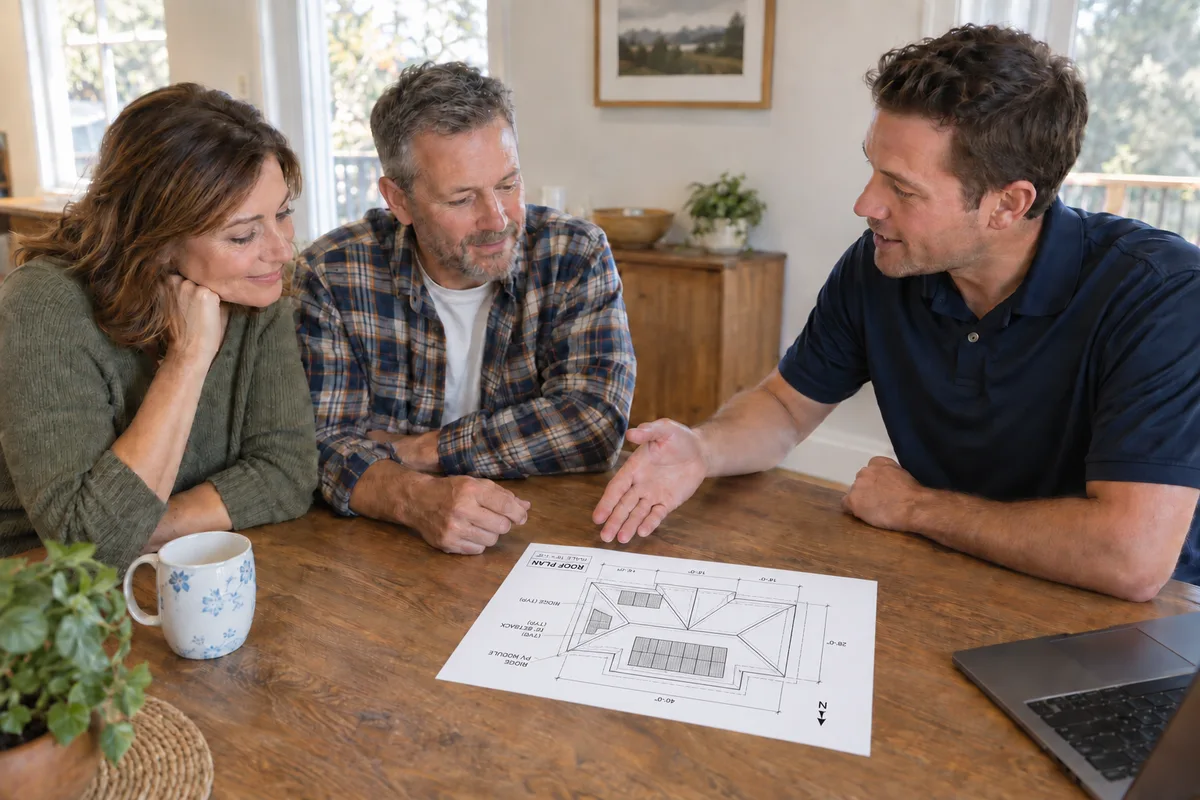
YOUR NEXT STEP
Write down the things you would most want to keep running and how you use them. We can help turn those priorities into the right questions for a backup assessment.
Start a conversation